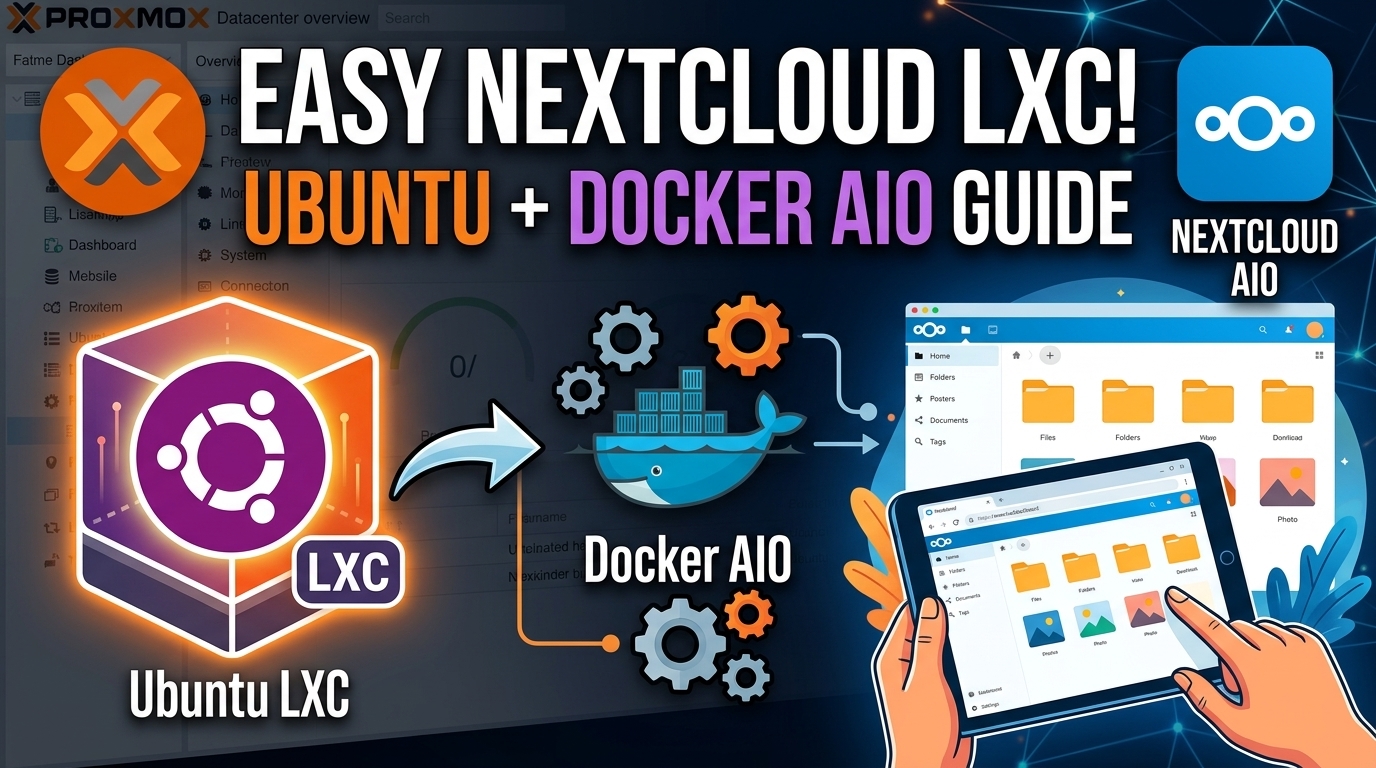
Nextcloud Proxmox Setup: The Best Free Google Drive Replacement
Deploy Nextcloud All-in-One on a lightweight Proxmox Ubuntu LXC. Route traffic securely through Cloudflare Tunnels with zero port forwarding.
No fluff, no filler—just detailed written guides and companion videos to help you configure Obsidian, deploy docker containers, and build a high-performance self-hosted setup.
Deploy Nextcloud All-in-One on a lightweight Proxmox Ubuntu LXC. Route traffic securely through Cloudflare Tunnels with zero port forwarding.
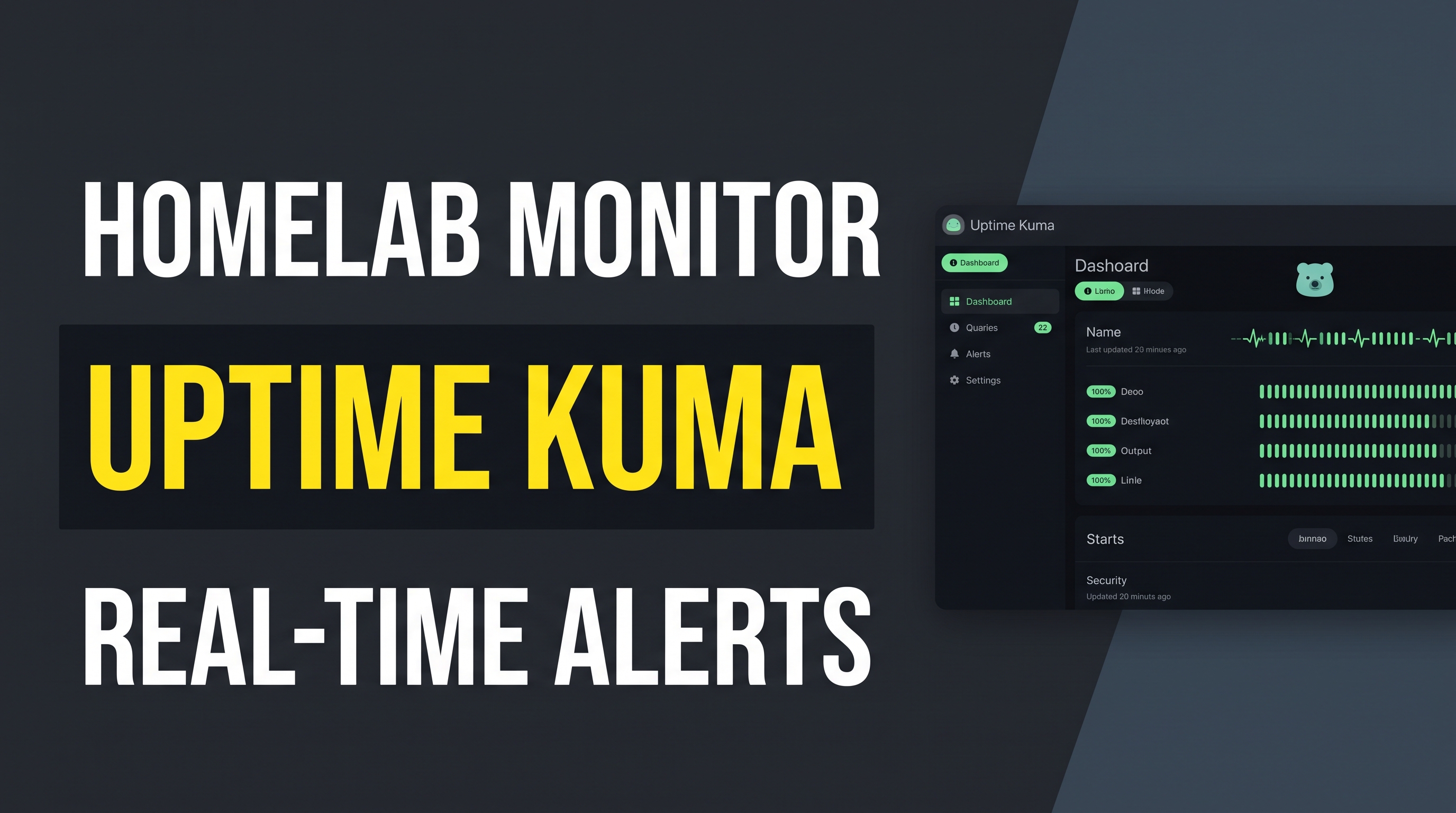
Build a real-time monitoring dashboard with Uptime Kuma on Ubuntu with Node.js and PM2. Track ping, HTTP status, and get instant crash alerts.
.jpg)
Stop relying on manual ClickOps in Proxmox. Learn how Terraform lets you define, version, and rebuild your home lab using plain text files.
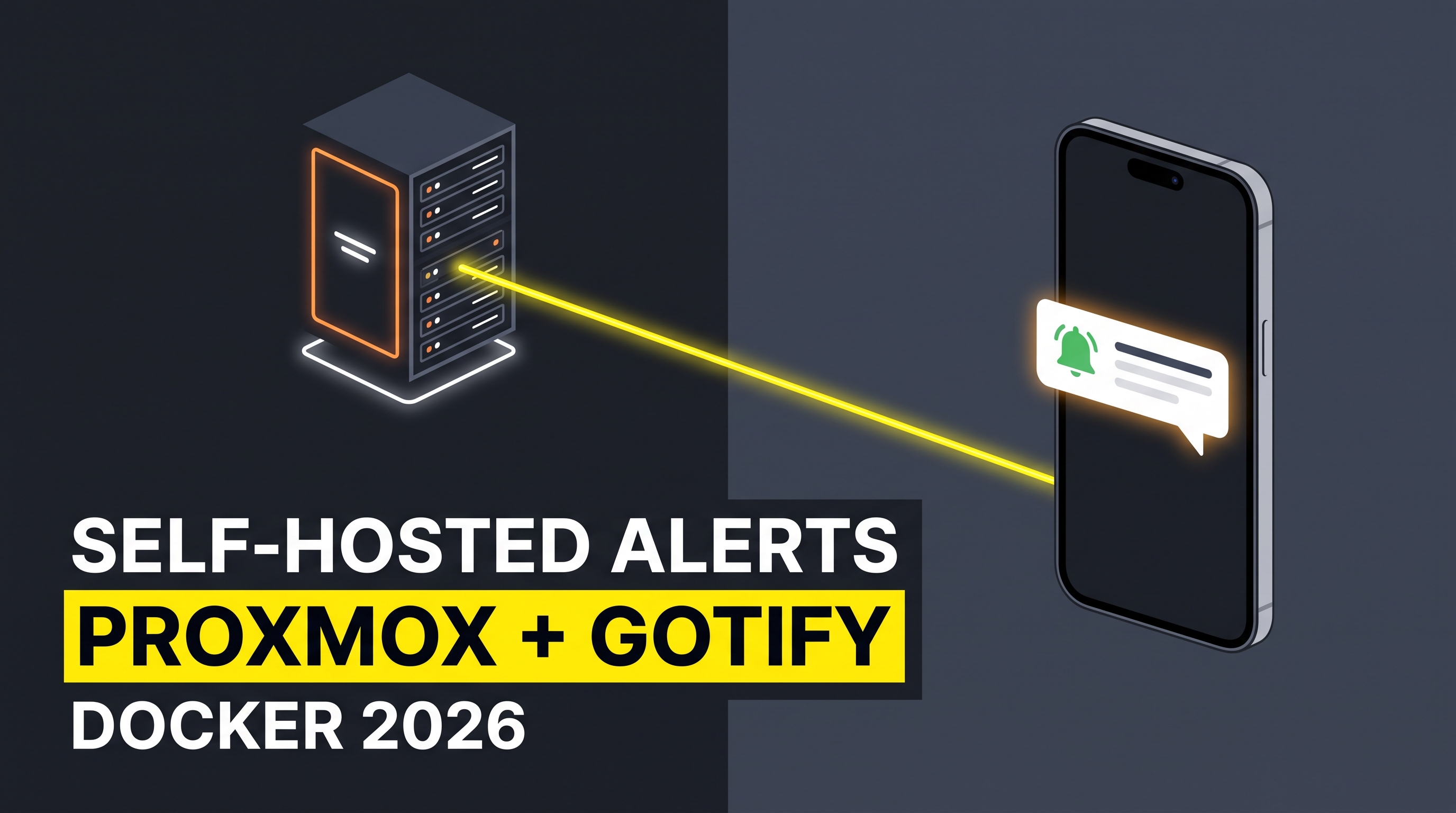
Ditch subscription push services. Deploy Gotify using Docker Compose and send instant phone notifications from Proxmox, shell scripts, and servers.

Access your full desktop Obsidian interface—including custom themes, plugins, and graph view—directly inside any browser using Docker.
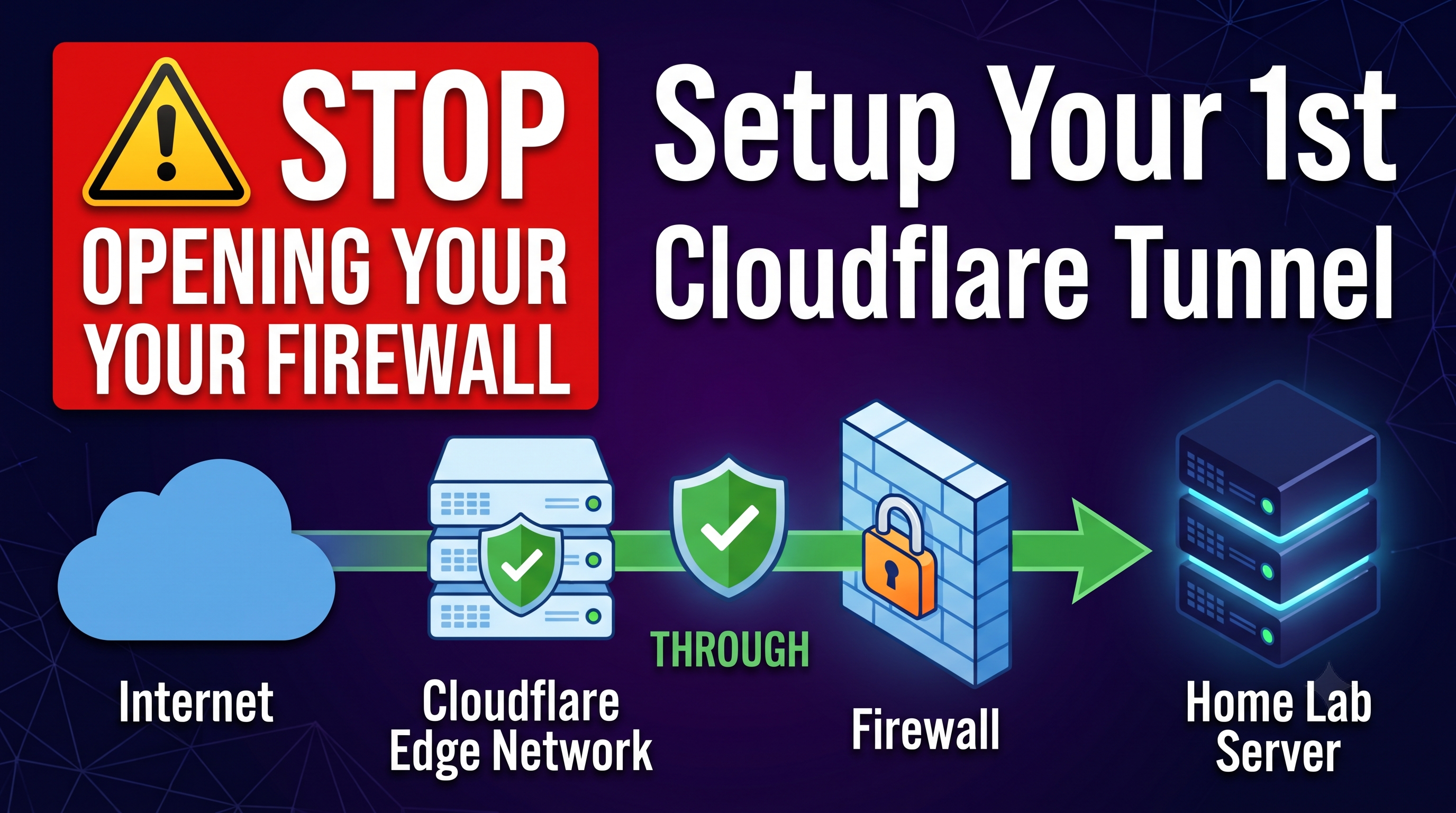
Stop exposing open router ports to internet scanners. Learn how Cloudflare Tunnels create secure, outbound-only remote access to your homelab.
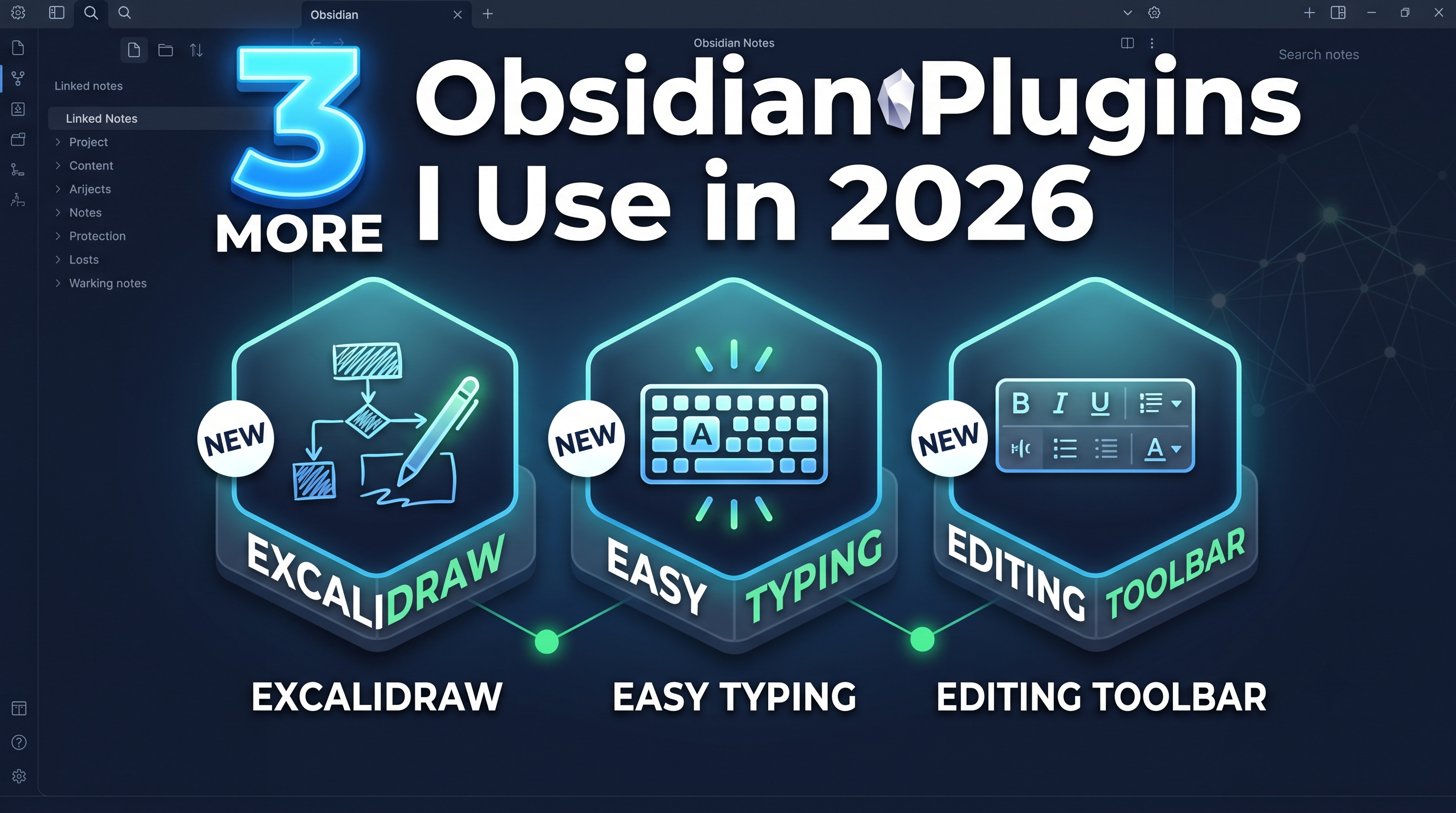
Take Obsidian beyond basic text with Excalidraw infinite canvas sketching, frictionless Easy Typing corrections, and a rich-text Editing Toolbar.

Full architecture tour of a minimalist 3-node Proxmox cluster built from cheap Dell OptiPlex desktops with Ceph, VLAN highways, and PBS snapshots.

Looking for a clean, web-first Markdown knowledge base? Explore Alexandrie Hub's live editor, interactive graph view, and easy Docker deployment.

Are you still running everything in Docker, or is it time to upgrade to Podman? Learn the critical security, rootless container, and daemon differences.

Stop wasting time trying to force Pi-hole to block YouTube ads. Here is why it fails, and the 3 best workarounds for PC, Smart TVs, and mobile.
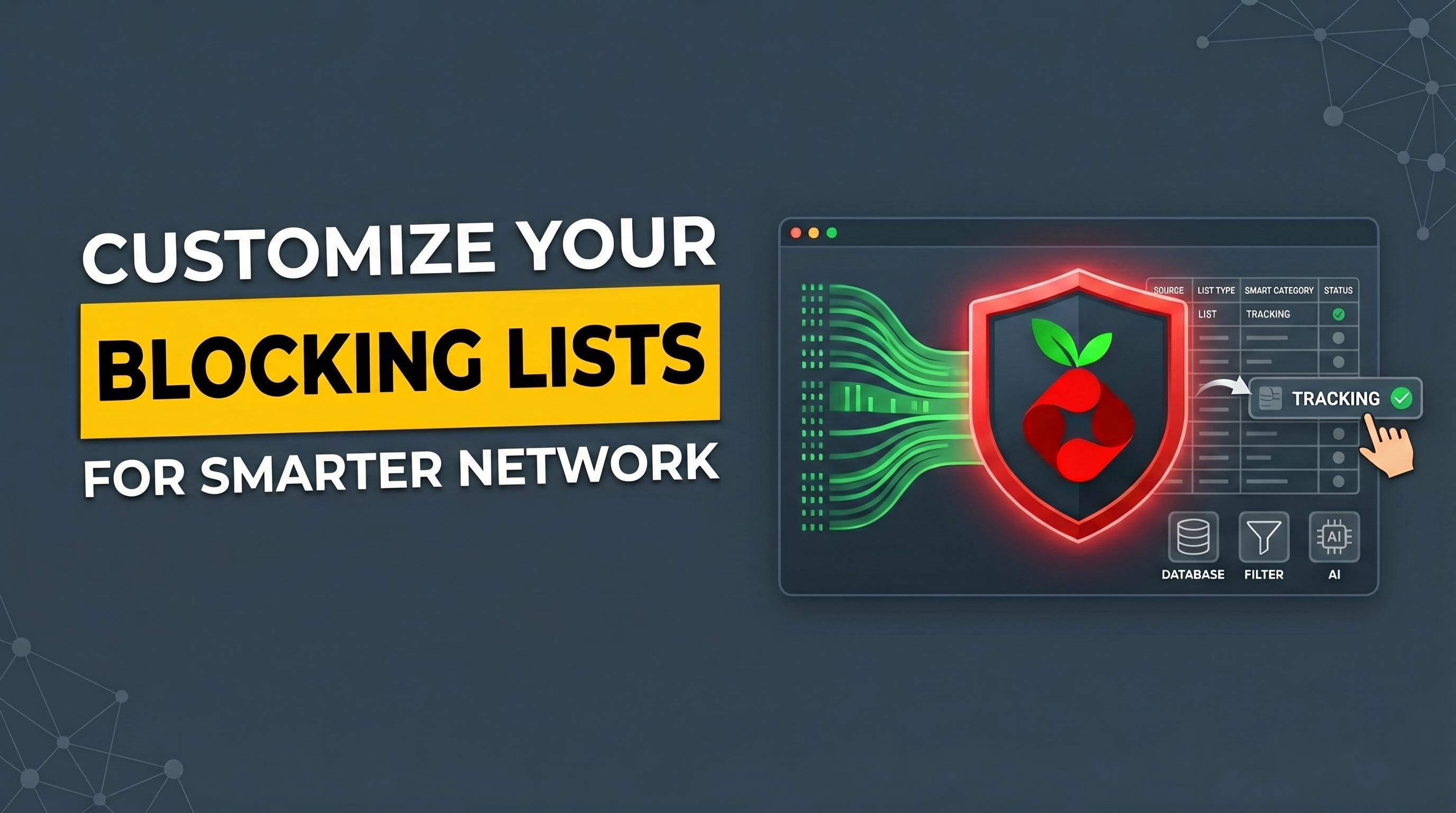
Customize your Pi-hole blocking rules with Group Management and supercharge your setup with community blocklists.
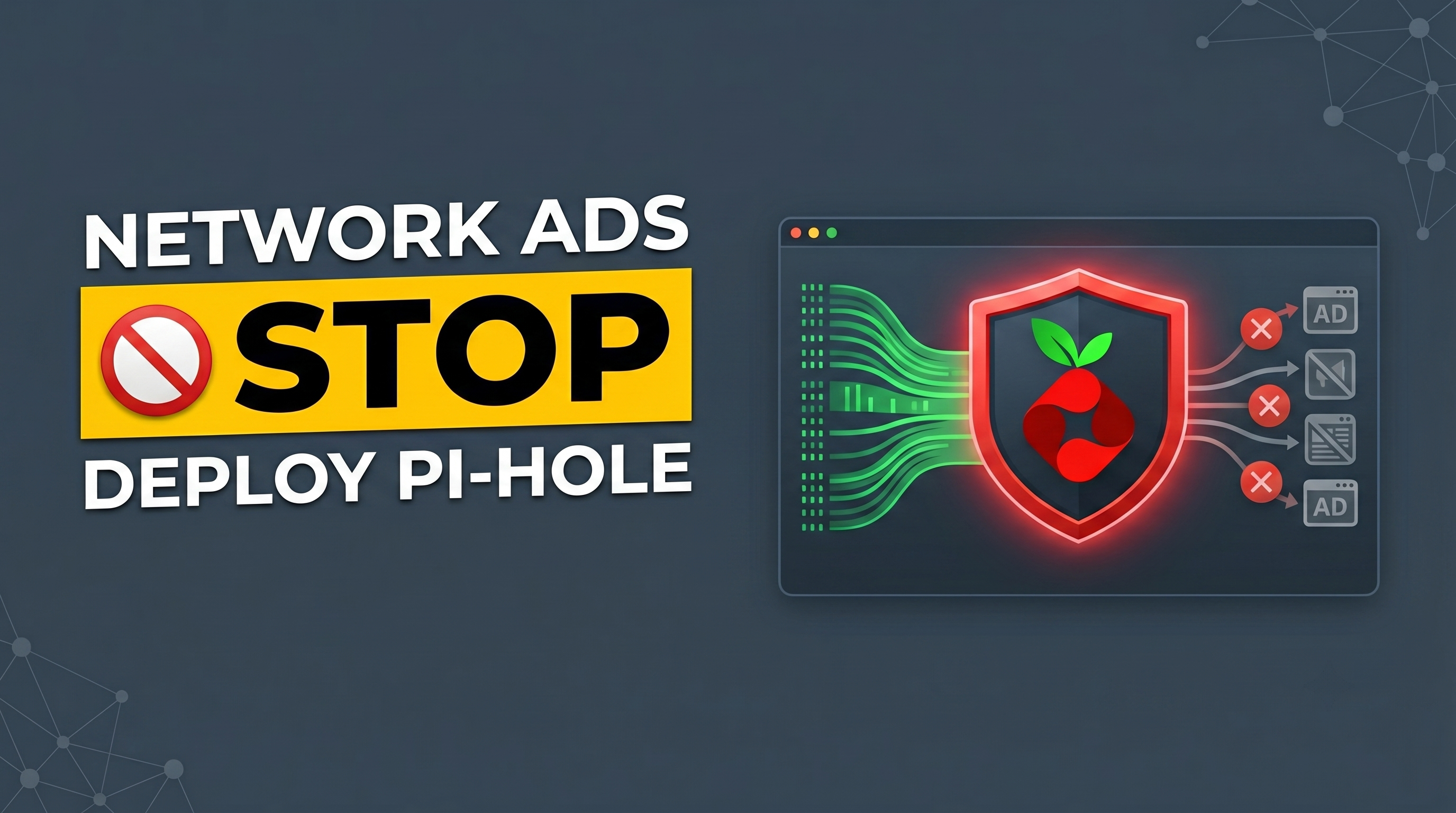
Deploy Pi-hole inside a lightweight Linux Container on Proxmox to block ads network-wide before they hit your devices.
.png)
Three essential settings you need to change immediately to make Obsidian behave like a normal, friendly note-taking app.
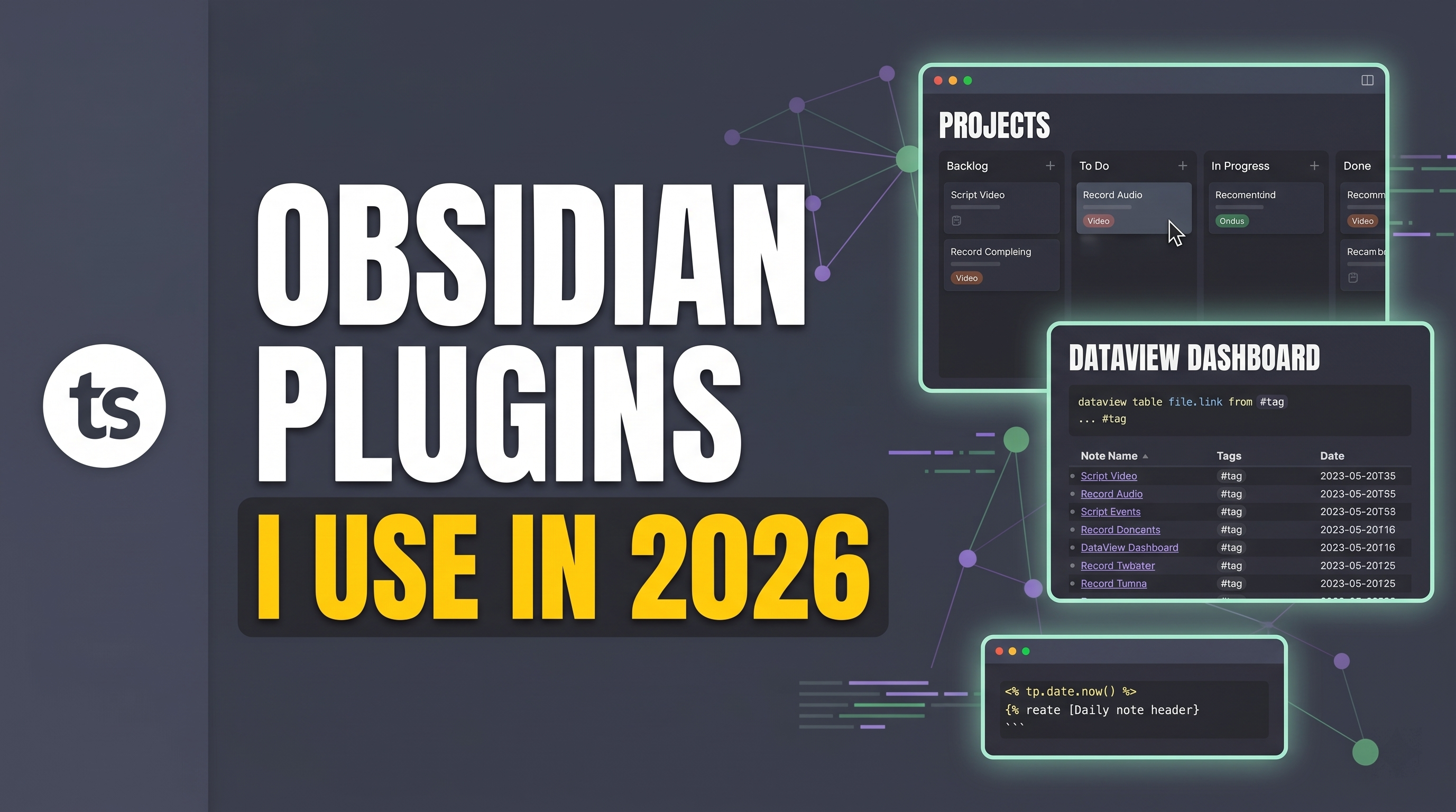
Transform Obsidian from a basic notepad into a fully automated, visual project management system using Kanban, Dataview, and Templater.
Build a fully functional personal knowledge management system. Learn to utilize daily logs, track project milestones, and automate notes index databases.
.png)
Learn how to organize your vault using the flat 4-folder structure, configure templates, and apply styling snippets to create a premium, clean workspace.